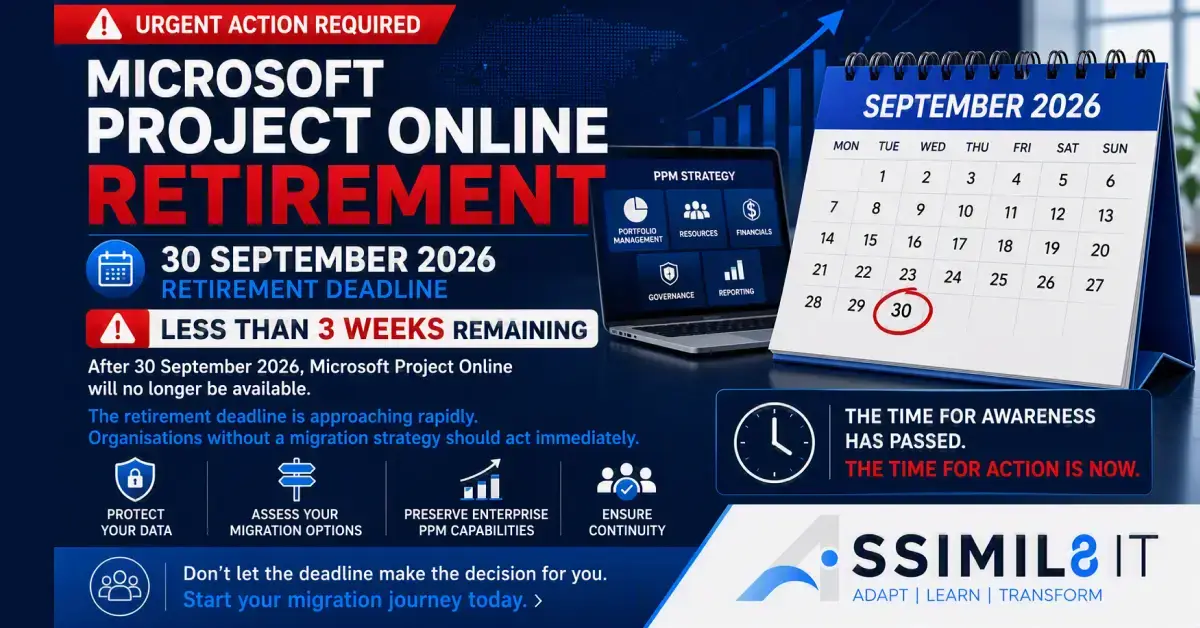
As the retirement of Microsoft Project Online on 30 September 2026 fast approaches, customers currently using Project Online should have proactively engaged their respective Microsoft account teams and Partners.
Customers will risk losing access to their Project Online environment and associated business-critical data following the retirement date. This should therefore be treated as a business continuity and migration planning discussion rather than a standard Enterprise Agreement (EA) licence exercise.
Recommended Next Steps
1. Request a Project Online Extension
For customers who have not yet started their migration journey, urgently discuss the requirements with Microsoft Account teams.
Customers should undertake a Project Online Migration Assessment with a qualified Microsoft partner. This assessment should cover:
- Current state review
- Business and technical requirements
- Customisations, integrations, and reporting
- Migration options and recommendations
- Licensing implications
- Effort, costs, risks, and timelines
2. Reframe the Customer Conversation
This is not primarily a licence renewal discussion.
It is a discussion about:
- The impact of Project Online retirement
- Future PPM requirements
- Migration options
- Licensing implications
- Costs, timelines, and risks
Migration Options
Option 1: Project Online to Project Server Subscription Edition
For customers wishing to remain within the Microsoft Project ecosystem, Project Server Subscription Edition provides a familiar path forward and supports a more straightforward transition.
Option 2: Project Online to Planner and Power Platform
Whilst Planner is Microsoft’s strategic work management platform, Planner out of the box is not a direct replacement for Project Online.
Planner is primarily a task management solution and does not natively include many enterprise PPM capabilities such as:
- Portfolio Management
- Demand Management
- Enterprise Resource Management
- Capacity Planning
- Enterprise Timesheets
- Financial Management
- Portfolio Reporting
- Governance and Stage Gates
Whilst these capabilities can be developed using Power Platform, customers should recognise that this would be a transformation project involving additional development, customisation, integration, testing, and support.
Option 3: Project Online to a Partner-Based PPM Solution on Power Platform
Customers may elect to migrate to an established Power Platform-based PPM solution delivered by a Microsoft partner.
These solutions typically provide enterprise-ready capabilities including:
- Project Portfolio Management
- Demand Management
- Resource Management
- Financial Management
- Governance Workflows
- Executive Reporting
- AI and Copilot-enabled insights
Customers should note that these solutions generally include an annual subscription fee in addition to Microsoft licensing and professional consulting fees.
Licensing Considerations
Customers should also review their Microsoft Project licensing strategy as part of the migration discussion.
Project Online Essentials
From October 2026, Project Online Essentials will no longer be available, and customers should transition to Project Plan 1.
Project Plan 5
Customers currently licensed with Project Plan 5 may continue using their existing licences. However, Project Plan 5 has been deprecated for new purchases.
Many Project Online customers utilise Project Plan 5 because it includes enterprise capabilities.
Licensing by Migration Path
Project Server Subscription Edition
- Project Plan 1
- Project Plan 3
- Existing Project Plan 5 licences
Partner-Based Power Platform Solution
- Typically Project Plan 3 for Microsoft Project Desktop users
- Power Apps Premium for the Power Platform solution
- Existing Project Plan 5 / Project Plan 1 licences may no longer be required
This may create opportunities to optimise licensing costs depending on the selected solution.
Key Recommendation
The retirement of Project Online should not be treated as a licensing event. It should be viewed as a strategic migration initiative requiring customers to evaluate:
- Future PPM requirements
- Target platform options
- Licensing strategy
- Migration costs and timelines
- Change management and training requirements
Only once a migration strategy has been defined should licensing decisions be finalised.
By leading with migration planning rather than licence renewal, Microsoft account teams can help customers avoid business disruption and ensure a successful transition beyond the Project Online retirement date.